
Roblox · Luau
Make a Gorilla Tag-style game in Roblox Studio
Last checked: · The GorillaTagGame.net editor
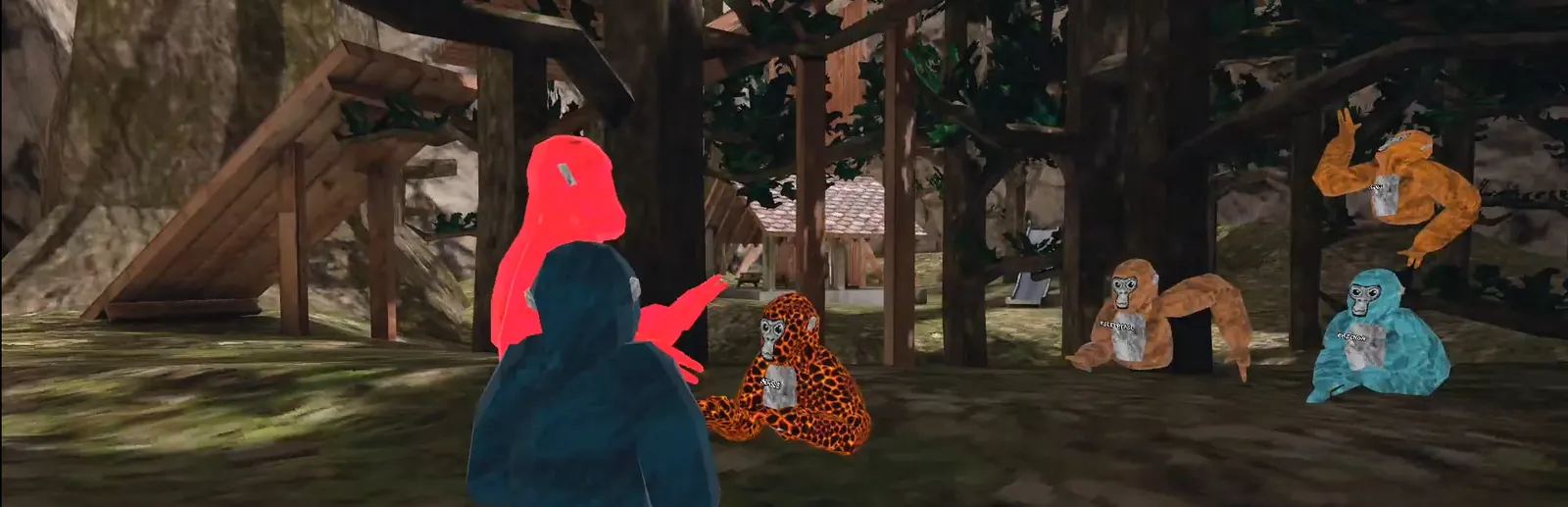
Roblox is the second home of Gorilla Tag-style games: the biggest one, Monkey Tag Experience, has passed 102.9 million visits. Building one is a different job from the Unity route — you script in Luau, use Roblox physics, and publish to a younger audience — so the Unity template does not carry over.
Starting kits
| Kit | Where | What it gives you | Caveat |
|---|---|---|---|
| Gorilla Tag FanGame Kit (CC/Mod Cosmetics) | Roblox Creator Store | A model with scripts and a cosmetics giver, by Facility Foundation (2024-09-28) | No ratings or reviews yet |
| gtagmovementkit | GitHub | "A full Gorilla Tag-inspired movement system for Roblox" | Check the repo licence before reuse |
| DevForum: VR physics like Gorilla Tag | Roblox DevForum | Drive hand parts with forces and torques, push the body the opposite way; points to sauceVR | Forum advice, not a finished kit |
Build order
- Create the experience in Roblox Studio and enable VR in the place settings.
- Import a movement kit or write your own: two hand parts that follow the VR controllers.
- Hand physics. When a hand presses into a surface, apply the opposite force to the character’s root part. Clamp the speed so players cannot fling themselves across the map.
- Tag loop. A server script tracks who is "it"; a Touched event between a tagger’s hand and another player swaps the status; a round timer resets everything.
- Lobby and cosmetics. A spawn room, a colour picker, and cosmetics as tools or accessories (the Creator Store kit uses tools).
- Test in VR and on desktop. Most Roblox players are not in VR, so decide early whether desktop players get keyboard movement.
- Publish with a clear name of your own. Calling it "Gorilla Tag" invites confusion — and moderation.
Using the Gorilla Tag name on Roblox
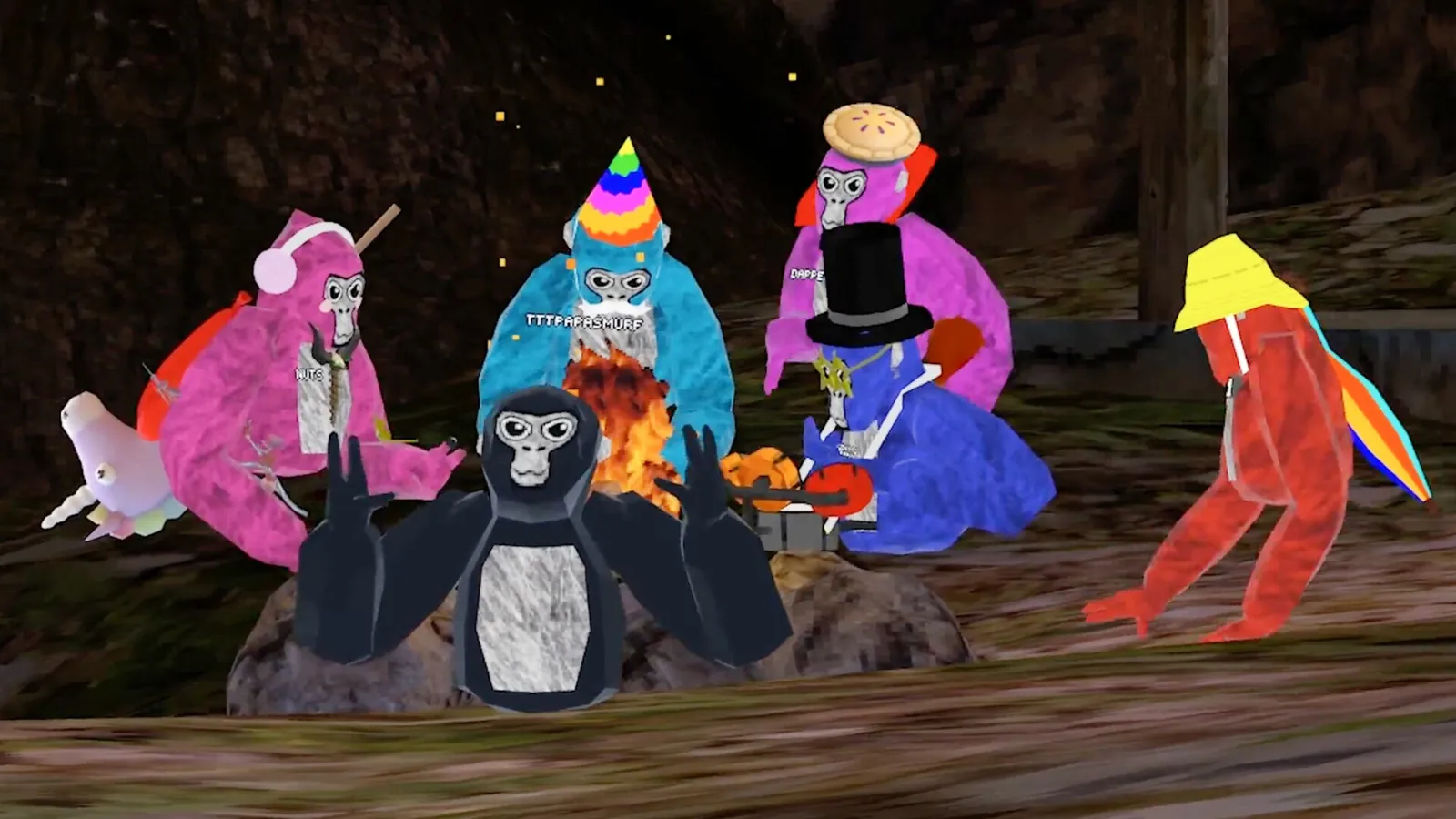
Roblox runs a licensing catalogue where rights holders let creators use their IP under set terms. A video posted by the Gorilla Tag VR YouTube channel on 24 October 2026 links to a Gorilla Tag listing in that catalogue for anyone wanting to make a Roblox game with the IP. That is one source; read the licence terms on Roblox’s Creator Hub before relying on it.
Without such a licence, keep to the Fan Content & Mod Policy: non-commercial, your own assets, not a clone. A free model kit named "Gorilla Tag" does not grant any rights by itself. See how to read asset licences.
What players already have
Before building, look at what exists: the best Gorilla Tag-style games on Roblox lists Monkey Tag Experience (10-player servers, voice chat, 15+ maps) and the others that show up next to it. A game that copies it closely will struggle; one with its own twist has room.
FAQ
Is there a Gorilla Tag fangame kit for Roblox?
Can I use the Unity Gorilla Tag template in Roblox?
Can I call my Roblox game Gorilla Tag?
Sources and check dates
- Roblox: Monkey Tag Experience — checked 2026-11-28
- Roblox Creator Store: Gorilla Tag FanGame Kit — checked 2026-11-28
- GitHub: stormwiwormPI/gtagmovementkit — checked 2026-11-28
- Roblox DevForum: VR physics like Gorilla Tag — checked 2026-11-28
- YouTube: Gorilla Tag VR channel video on Roblox licensing (2026-10-24) — checked 2026-11-29
- Roblox Creator Hub license listing linked from that video — checked 2026-11-29
- Gorilla Tag Fan Content & Mod Policy — checked 2026-11-28
Limitation: Roblox VR APIs change often, so test every step in Studio.