
Tutorial
How to make a Gorilla Tag fan game in Unity
Last checked: · The GorillaTagGame.net editor
One approach to a Gorilla Tag-style fan game combines a Unity VR project, a hands-driven movement rig, multiplayer networking and an optional account backend. This guide outlines those parts, explains the Frostbyte repository’s actual contents, and gives checks for common development problems such as drifting hands and sticky walls.
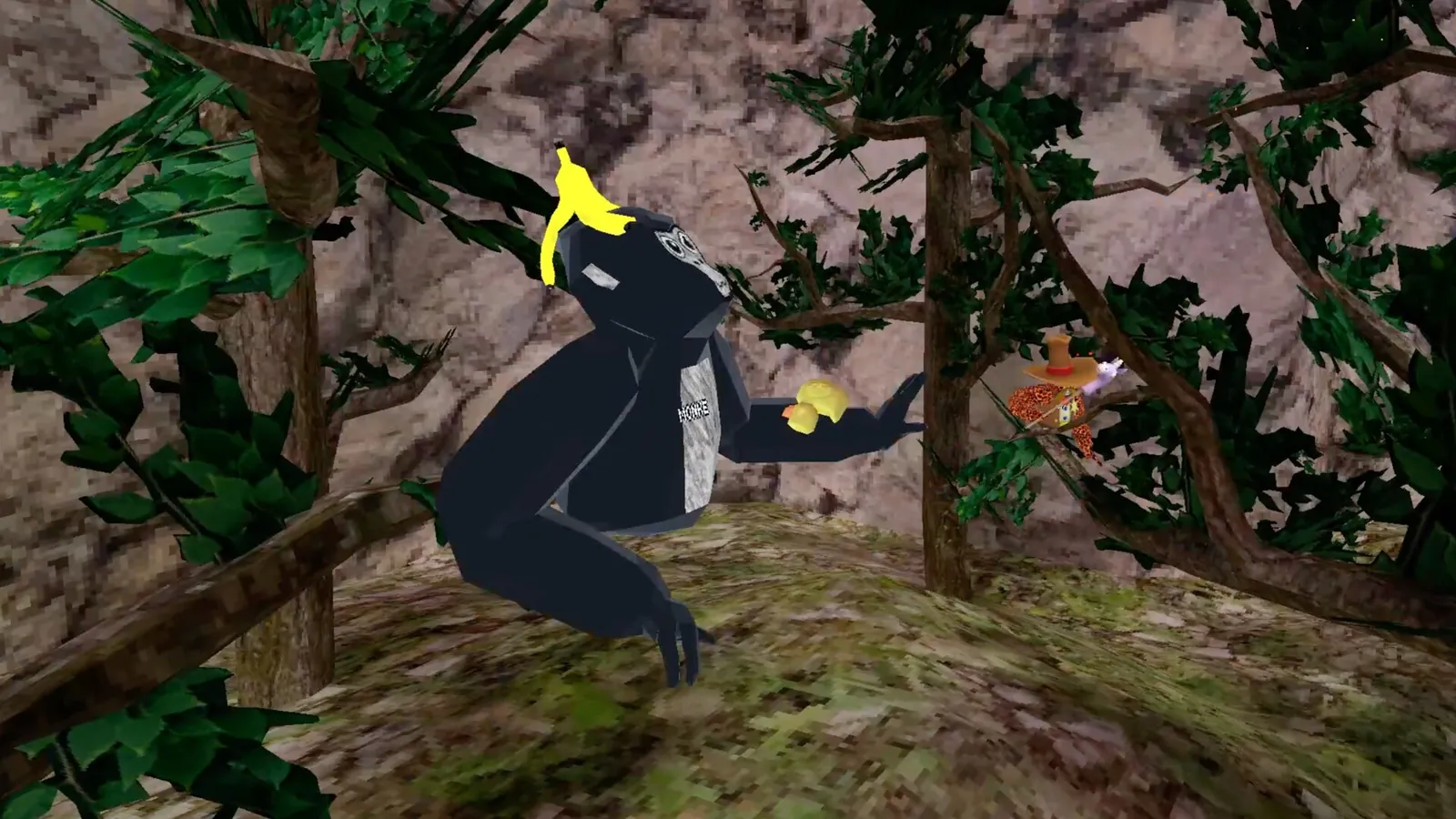
Step 1: Install Unity and create a project
Install Unity Hub and a Unity editor supported by the packages you choose. Add Android Build Support if targeting standalone Quest. URP is one rendering option; its presence alone does not guarantee a particular frame rate.
- Prebuilt PC for Unity? Compare the editor, headset runtime and package requirements with your computer before choosing it; there is no single PC specification for every project.
- Without Unity? Roblox Studio is an alternative — see the Roblox guide.
Step 2: Check the project files before choosing a template
The FrostbyteXYZ repository guide records one README file in the public branch on 29 November 2026. The README names Unity 6+, gorilla locomotion, Photon PUN, Photon Voice, PlayFab, TextMeshPro and URP, but supplies no Unity project folders or package versions. Treat it as a stack outline, not a ready-to-open project. It also has no licence file. For a complete template from any author, check its actual files, exact editor version, licence and dependencies before building on it.
Step 3: Configure XR for your target platform
Follow Unity’s OpenXR project-configuration guide: install a compatible OpenXR package, enable it through XR Plug-in Management for the platform you target, choose the interaction profiles your controllers require and resolve Project Validation messages. For standalone Quest, configure an Android build profile; PC VR uses a PC build and its headset runtime.
Step 4: Choose and configure networking
Photon PUN provides multiplayer rooms, synchronised objects and remote procedure calls. Its documentation identifies PUN 2 as maintenance/LTS software and recommends that new projects consider Fusion or Quantum. Choose one approach before wiring up room logic. If you add Photon Voice or an account backend such as PlayFab, follow that package’s current setup documentation; the Frostbyte README gives no settings asset, scene or credential-field path.
Step 5: Build the gorilla rig
The rig is a body collider with two hand colliders that follow the controllers. When a hand touches a surface, the body is pushed the opposite way — that is the whole trick. Jumping is a hard push off the ground; climbing is two hands gripping and pulling. Tune hand reach and the velocity limit before anything else; they decide whether the game feels like Gorilla Tag.
Step 6: Add a tag game mode and a spawn area
- Tag mode: one player is "it"; a tag event (hand collider touching another player) transfers the status over the network with an RPC; a round timer resets everyone.
- Infection variant: tagged players stay infected until everyone is tagged.
- Spawn area: an empty object with a trigger volume where players appear on join and after each round; keep it out of reach of whoever is "it".
Step 7: Add the in-game computer and a tutorial area
Most fan games copy the idea of a wall-mounted computer for room codes, name and colour. Build it as a world-space canvas with TextMeshPro and big buttons the hand colliders can press. A short tutorial room that teaches push-off and climbing before the first lobby cuts new-player confusion a lot.
Step 8: Diagnose drifting hands, sticky walls and performance
- Hands off from the controllers: inspect the relationship between tracked controllers, hand transforms and the XR origin; unintended offsets are one possible cause.
- Sticky movement: inspect friction, collider overlap and the release logic of your chosen movement implementation rather than applying a universal friction value.
- Object culling: consider occlusion culling and draw-call reduction after identifying the expensive scene elements; choose a performance budget for your target hardware.
- Multiplayer: keep authority, tag state and round resets explicit; a local-only prototype does not establish how remote clients synchronise.
Step 9: Build for testing, and stay within the policy
Build an APK for your own headset and friends’ testing. Before publishing anything, read the Fan Content & Mod Policy: fan games must be non-commercial, must not be a clone or port of Gorilla Tag, must not reuse its assets to copy it, and must carry the required disclaimer. Original art keeps you safe — see where to find assets with clear licences.
Video: How to Make a Gorilla Tag Fan Game in 5 Minutes
Video: How to make a Gorilla tag fan game!
FAQ
How do you make a Gorilla Tag fan game?
Can I make a Gorilla Tag fan game without Unity?
Why are my hands off in my Gorilla Tag fan game?
Can I sell my Gorilla Tag fan game?
Sources and check dates
- GitHub: frostbytexyz Gorilla Tag fangame template (Unity 6) — checked 2026-11-29
- Unity: OpenXR project configuration — checked 2026-11-29
- Unity: Android build settings — checked 2026-11-29
- Photon PUN 2 introduction — checked 2026-11-29
- Gorilla Tag Fan Content & Mod Policy — checked 2026-11-28
- YouTube: How to Make a Gorilla Tag Fan Game in 5 Minutes (Garett) — checked 2026-11-29
- YouTube: How to make a Gorilla tag fan game! (ArloxSW) — checked 2026-11-29
Limitation: the exact editor menus, assets and settings depend on the project and package versions you choose.