
For parents
Is Gorilla Tag safe for kids?
Last checked: · The GorillaTagGame.net editor
Gorilla Tag is rated E (Everyone) by the ESRB for Mild Fantasy Violence — the "violence" is tagging other monkes. The rating does not cover what other players say: it is an online game with voice chat on by default, strangers in public lobbies, and optional purchases. With a few settings, most of that can be managed.
Short answer: the game content is mild; the risks are strangers on voice chat and spending. Set up k-ID, the headset’s parent tools and a spending lock before the first session.
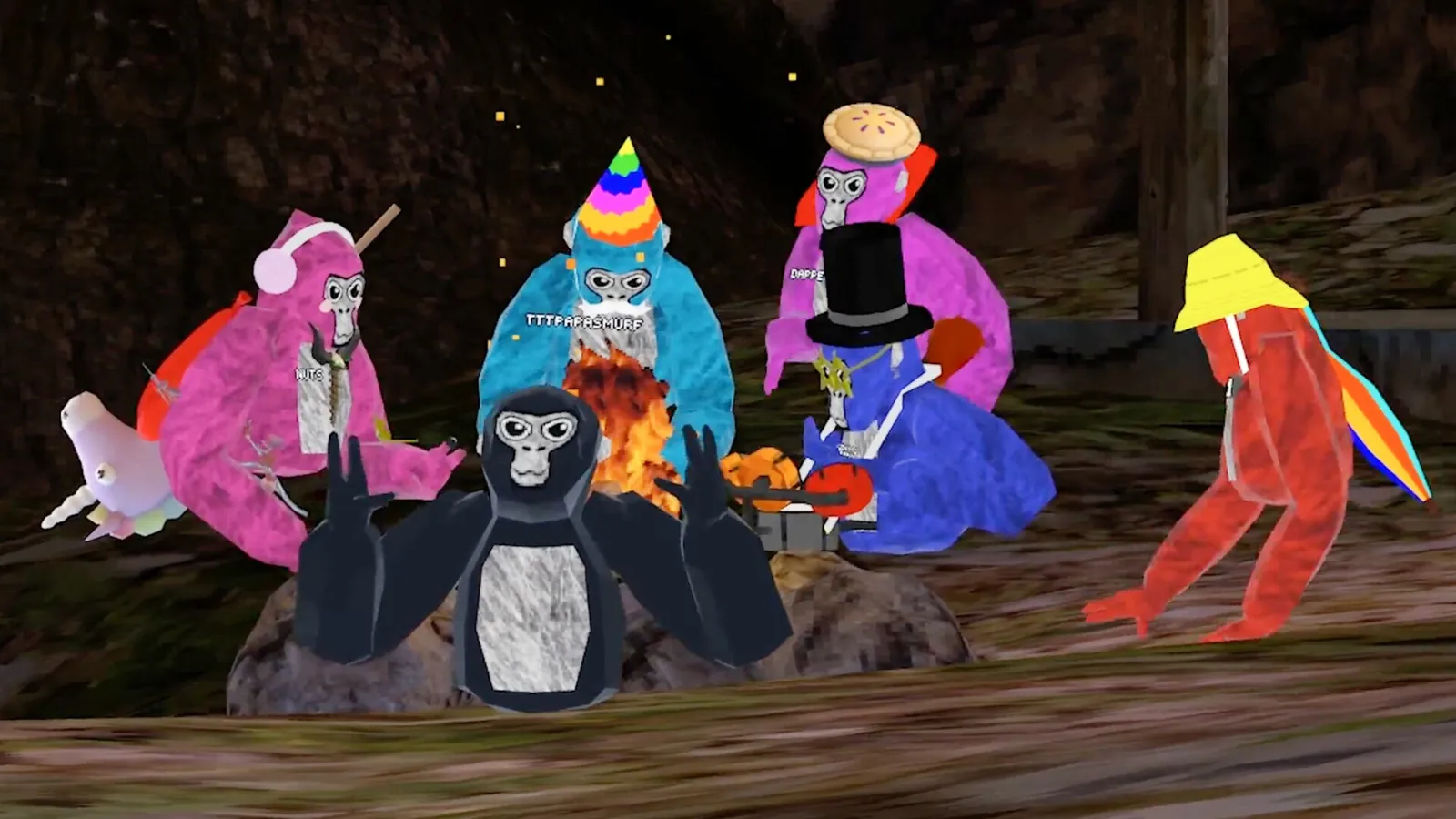
Risks and the control for each
| Risk | What it looks like | What you can do | Source |
|---|---|---|---|
| Voice chat with strangers | Open mic in public lobbies by default | Mute players; turn off human voices on the in-game computer (others sound like monkeys); k-ID voice settings | Developer FAQ, ESRB |
| Spending | Shiny Rocks bundles, typically US$5–40 | Require purchase approval on the headset account; 100 free Shiny Rocks per daily login | ESRB |
| Age | Core players are young; VR headsets have age guidance | Meta child accounts for ages 10–12, supervision for teens; PSVR2 is not for under-12s | ESRB, Meta, PlayStation |
| Toxic behaviour | Slurs and griefing are reported | Report at the big board in the lobby; leave and switch rooms; ban appeals exist | Wikipedia, developer FAQ |
| VR comfort | Dizziness, physical play, bumping into things | Short sessions, clear play space, breaks | ESRB |
| Off-game channels | Discord, YouTube, TikTok | Discord requires users to be 13+; supervise links | Developer site |
What age is Gorilla Tag for?
The ESRB E rating describes the game’s content; it does not override headset age requirements or rate other players’ speech. Meta provides parent-managed accounts for ages 10–12 where available, with regional eligibility rules. PlayStation VR2 is not for children under 12.
A 9-year-old is below both the stated Quest parent-managed range and the PSVR2 minimum. Adult supervision does not replace those requirements. For an eligible 12-year-old, use the required family account settings, review the game’s social features and supervise play.
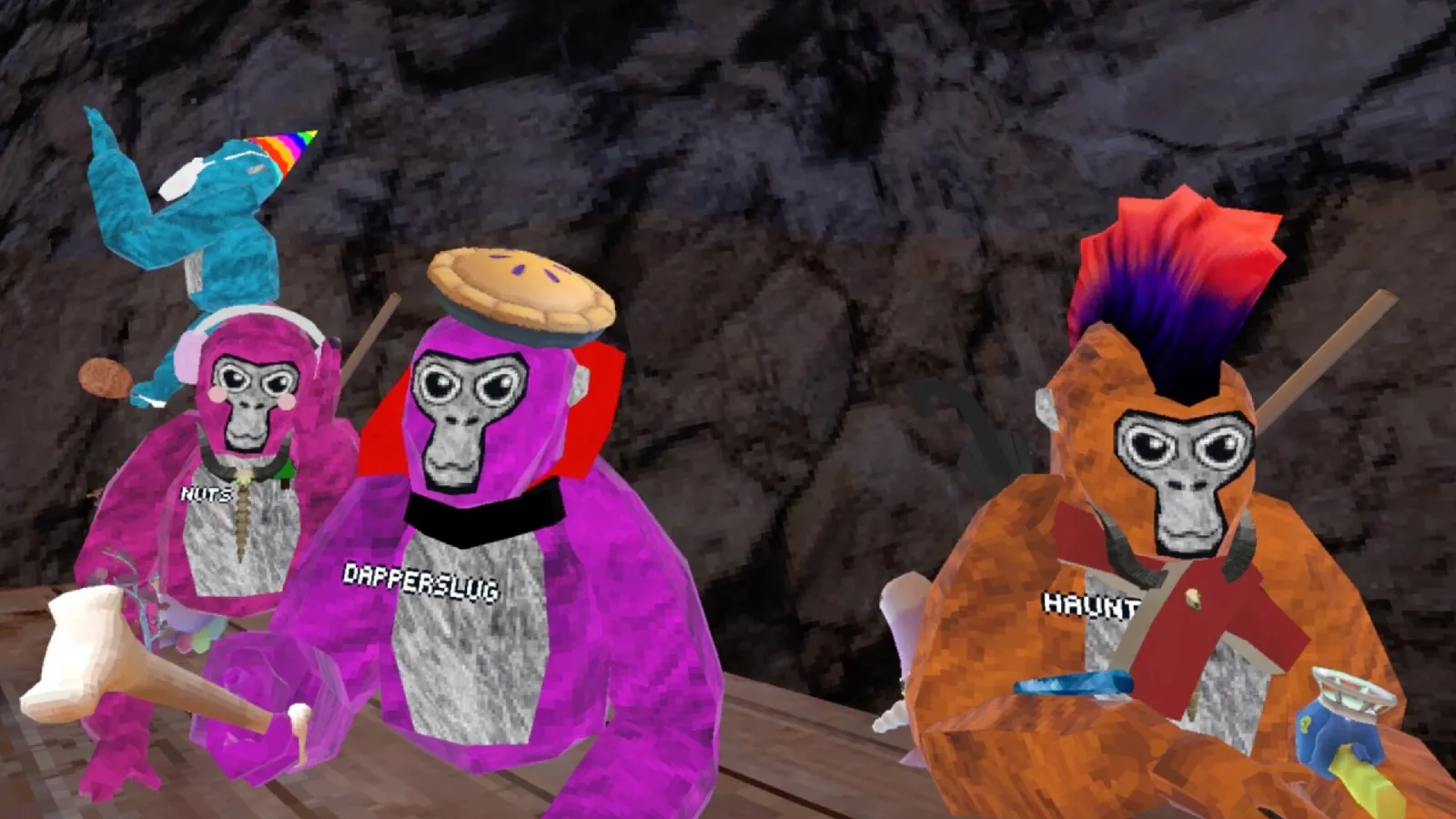
Set it up safely in ten minutes
- Headset account. On Quest, use a Meta child or supervised teen account; on PS5, use family management for the child account.
- k-ID. Gorilla Tag uses k-ID to check age and, where needed, ask for parent consent before voice chat, social features and some purchases. Its family dashboard is free.
- Voice. On the in-game computer, turn off human voices or keep the child in private rooms with known friends.
- Spending. Require approval for purchases on the store account.
- Mods. Explain that "free Shiny Rocks" and mod menus are scams; see the mod safety checklist.
If your child is harassed
In the game: mute the player, report them at the big board in the lobby, and leave the room. Outside the game: use the developer’s support site (support.gorillatagvr.com). The developer says it partnered with GGWP in March 2025 for AI-assisted moderation, and bans escalate for repeat offences.
FAQ
Is Gorilla Tag appropriate for kids?
Is Gorilla Tag OK for 12 year olds?
Is Gorilla Tag safe for 9 year olds?
Can you turn off voice chat in Gorilla Tag?
Does Gorilla Tag have in-app purchases?
Sources and check dates
- ESRB: A Parent's Guide to Gorilla Tag — checked 2026-11-28
- gorillatagvr.com (developer site and FAQ) — checked 2026-11-28
- Meta Quest Store: Gorilla Tag — checked 2026-11-28
- PlayStation Store: Gorilla Tag — checked 2026-11-28
- Wikipedia: Gorilla Tag — checked 2026-11-28
- Meta Quest parent information and account ages — checked 2026-11-29
Limitation: settings menus change between headset and game updates.